
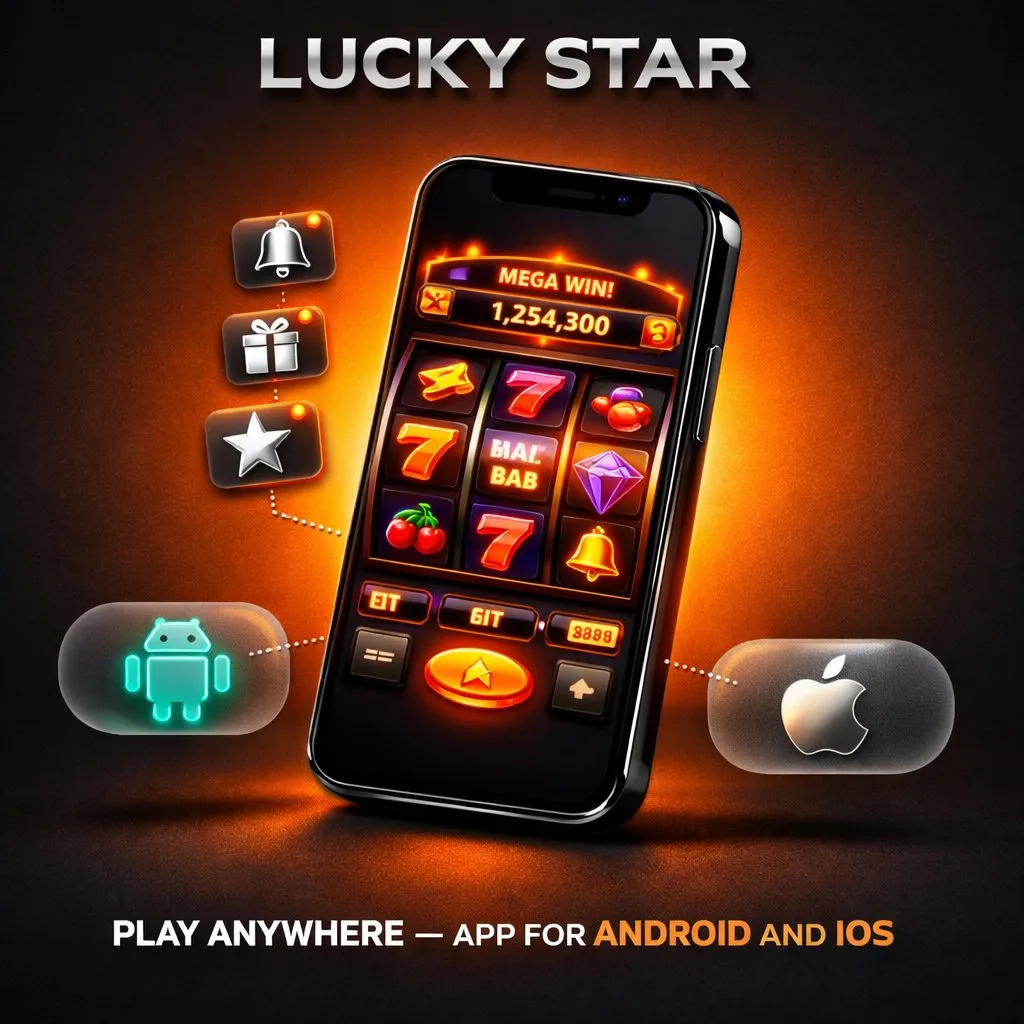
The lucky star casino app brings the complete desktop casino experience to your smartphone or tablet with access to over 5,000 games, live dealer studios, sports betting markets and the full cashier. Indian players enjoy the same INR deposit options, bonus eligibility and game catalogue available on the desktop version without any feature restrictions. Moreover, the mobile application loads faster than the browser version and supports push notifications for bonus alerts and promotional offers throughout the day.
This guide walks you through the lucky star app download process for both Android and iOS devices step by step. You will find system requirements, detailed installation instructions, feature comparisons between the app and mobile browser, and troubleshooting tips for common issues. Additionally, we explain how to manage your account, make deposits and claim bonuses directly through the mobile interface so you can play from anywhere in India.
Why Download the App?
The lucky star app delivers a smoother and more responsive experience compared to accessing the platform through a mobile browser. The application stores essential interface data locally on your device, which reduces loading times and eliminates repeated downloads of visual assets. Furthermore, push notifications keep you informed about new bonuses, tournament launches, free spin offers and deposit promotions without needing to check the website manually or monitor your email inbox.
System Requirements
The luckystar casino app also supports biometric login through fingerprint and face recognition on compatible devices. This feature removes the need to type your password at the start of every session while maintaining full account security. In addition, the app consumes less mobile data than the browser version because it caches game thumbnails, interface elements and navigation components after the initial installation, resulting in faster page transitions throughout your gaming sessions.
Android Requirements
The lucky star apk requires Android 6.0 Marshmallow or higher and approximately 80 MB of free storage space for the initial installation. Devices with 2 GB of RAM or more deliver the best performance during live casino streams, graphically intensive video slots and sports betting with live odds updates. However, most Android smartphones manufactured after 2018 meet all of these requirements comfortably without any hardware upgrades or special configuration changes.
iOS Requirements
Apple users install the lucky star app as a Progressive Web App through the Safari browser on their iPhone or iPad. The PWA requires iOS 14 or later and works on iPhone 8 and newer models as well as iPads running the same minimum software version. As a result, the iOS installation creates a dedicated home screen icon that launches the full casino interface in a standalone window without opening Safari or displaying browser navigation controls.
How to Download for Android
The lucky star casino app download is available directly from the official website because Google Play Store restricts real-money gambling applications from its marketplace. The APK file must therefore be downloaded manually from the casino site and installed with a simple permission change on your device. Follow these five steps to complete the installation process on any supported Android phone or tablet.
- Visit the official website: Open the casino website in your mobile browser and navigate to the dedicated download section visible on the main page.
- Download the APK: Tap the Android download button to start the lucky star apk download to your device storage.
- Enable unknown sources: Go to Settings, then Security, and enable the option to install applications from unknown sources for your browser.
- Install the file: Open the downloaded lucky star casino apk file from your notifications panel or file manager and tap the Install button.
- Launch the app: Once installation completes, open the app from your home screen and log in with your existing account credentials or register a new account.
The entire download and installation process takes less than two minutes on a standard 4G mobile data connection. After the first installation, the app checks for updates automatically at each launch and notifies you whenever a new version becomes available for download.
How to Download for iOS
The lucky star download for iOS follows a different path because Apple does not permit direct APK installations on its devices. Instead, players add the Progressive Web App to their home screen through Safari using the built-in sharing functionality. This method creates a standalone app icon that functions identically to a native application with full-screen display and independent process management.
- Open Safari: Navigate to the official casino website using the Safari browser on your iPhone or iPad device.
- Tap the Share button: Press the share icon at the bottom of the Safari toolbar to open the sharing options menu.
- Select Add to Home Screen: Choose the lucky star casino download option labelled Add to Home Screen from the list of available actions.
- Confirm the name: Review the app name displayed in the dialogue box and tap Add in the top right corner to place the icon on your home screen.
- Launch and play: Tap the new icon to open the full casino interface in a standalone window without any browser controls or address bar.
The PWA updates automatically each time you launch the application, so you always access the latest version of the platform without manual downloads or storage management. Furthermore, the PWA occupies minimal storage space on your device compared to traditional native applications.
APK Installation Guide
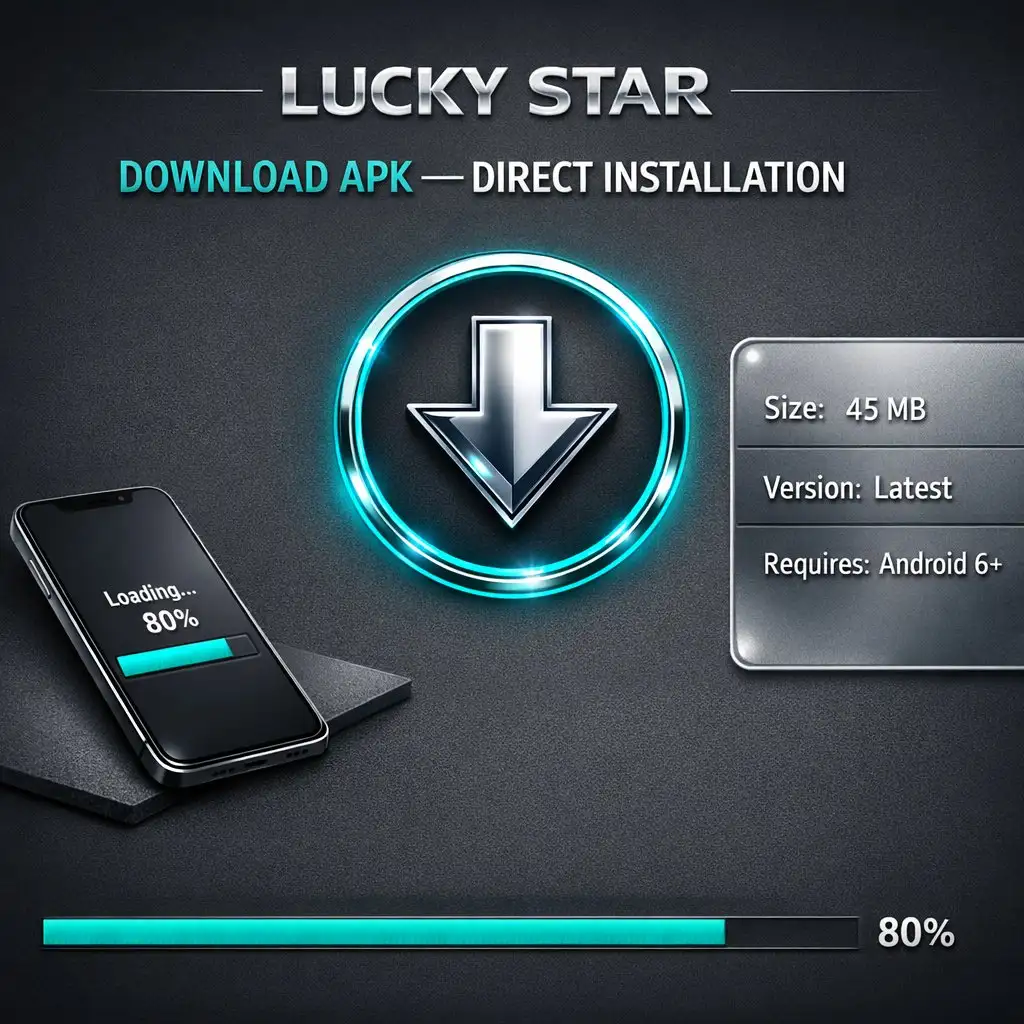
The luckystar apk file weighs approximately 45 MB and installs like any standard Android application through the built-in package installer. During the installation process, the system may display a security warning about installing apps from unknown sources. This standard warning appears for all applications downloaded outside the Google Play Store and does not indicate any risk with the casino software itself, as the file is distributed directly from the official platform.
App Features
After the first launch, the app downloads additional game assets and provider thumbnails in the background to improve loading speeds for future sessions. Therefore, the initial session may take slightly longer to load certain games compared to subsequent visits when assets are already cached. Players should ensure their device has at least 200 MB of free storage to accommodate cached data, periodic updates and temporary files generated during gameplay sessions.
Game Library
The app grants access to the entire catalogue of over 5,000 games from more than sixty certified providers including Pragmatic Play, NetEnt, Play’n GO, Evolution and Hacksaw Gaming. Slots, table games, live dealer studios, crash titles and virtual sports all load directly within the app interface. Moreover, the search and filter functions help you locate specific titles by provider name, category, volatility level or theme within seconds.
Live Casino and Sports Betting
Live dealer tables from Evolution, Pragmatic Play Live and Ezugi stream in high definition through the app with minimal latency on stable internet connections. Players enjoy real-time interaction with professional dealers across blackjack, roulette, baccarat and teen patti tables at various bet limits. In addition, the sportsbook section covers cricket, football, kabaddi, tennis, basketball and dozens of other disciplines with pre-match and live in-play betting markets updated continuously.
Deposits and Withdrawals
The lucky star download includes the full cashier with every deposit and withdrawal method available on the desktop version of the platform. UPI, PhonePe, Google Pay, Paytm, net banking, IMPS, debit cards and over twenty-five cryptocurrencies all work seamlessly through the mobile interface. Furthermore, the app remembers your last used payment method and saves your UPI ID for faster repeat transactions without re-entering details each time.
Push Notifications and Bonuses
Enable push notifications during the initial setup to receive timely alerts about new bonuses, free spin offers, tournament launches and exclusive promotional events. The notification system delivers updates directly to your device lock screen without requiring email checks or manual website visits. As a result, you never miss a limited-time offer, a cashback credit or a tournament with a substantial prize pool running on the platform.
App vs Mobile Browser
The lucky star casino app loads games approximately thirty percent faster than the mobile browser version thanks to local caching, optimised data transfer protocols and reduced server round-trips for interface elements. The app also provides a cleaner full-screen interface without browser navigation bars consuming valuable screen space on smaller devices. Moreover, biometric login, push notifications and offline account access are exclusive features that significantly enhance the overall mobile experience for regular players.
However, the mobile browser version requires no installation and works on any device with a modern browser including Chrome, Firefox and Safari. Players who prefer not to download software or who use shared devices can access the full platform through any mobile browser without restrictions. Both access methods provide the same game catalogue, payment options and bonus eligibility, so the choice depends entirely on your personal preference and usage patterns.
Conclusion
The mobile application delivers a fast, convenient and feature-rich casino experience for Indian players on both Android and iOS devices. The Android APK installs in under two minutes directly from the official website, while the iOS PWA adds to your home screen through Safari without any file downloads or storage concerns. All 5,000 games, the complete cashier with UPI and cryptocurrency support, live dealer tables and the sportsbook are fully accessible through the app interface. Push notifications and biometric login add daily convenience that the browser version cannot match, making the mobile app the preferred access method for regular players across India.
FAQ
Is the App Free to Download?
Yes, the lucky star app download is completely free for both Android and iOS users with no hidden charges or subscription fees. The application does not require any payment for installation, updates or access to the game catalogue. However, real-money gameplay requires a funded account with a minimum deposit of ₹800 through any supported Indian payment method including UPI and PhonePe.